
A landing page can’t grow your list until people see it. Yours is ready to share before you leave the publish screen.
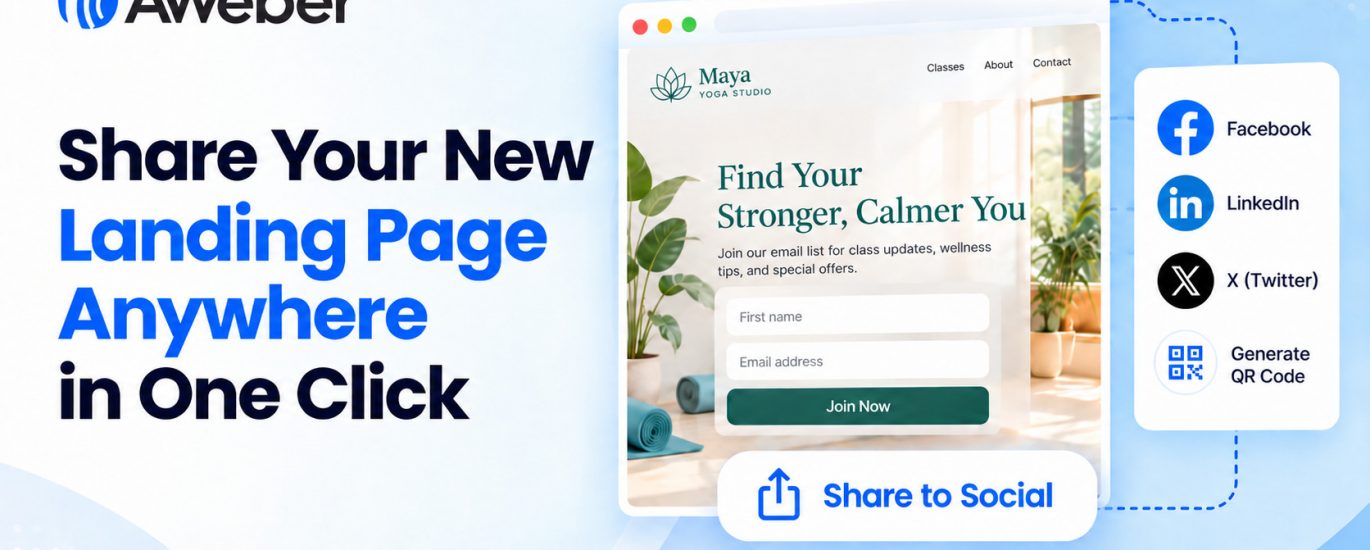
Post it to Facebook, LinkedIn, or X in one click. Or download a QR code for anything you print. Every visitor who signs up on your page joins your email list.
Post to your socials in one click
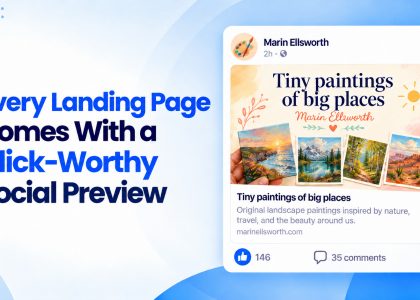
Click Facebook, LinkedIn, X, and the post window opens with your page already attached. Your page image and title show up as a preview, so people see what they’ll get before they click. Add a line about your offer and hit post.
The publish screen stays open until you close it. Post to one channel, then the next, and you’re on every channel in a few clicks.
Put your page in print
Click Get a QR code, and a high-resolution PNG of your page’s QR code downloads. Anyone who scans it lands right on your page.
Put it wherever people see you in person:
Flyers and posters for classes, workshops, and events
Business cards so every handoff leads to your list
Table signs and counters at pop-ups, markets, and storefronts
Packaging and receipts so customers can join after they buy
The last slide of a talk so your audience can sign up before they leave
Take your link anywhere else
Copy link grabs your page URL for your profile bio, a DM, a text, or your email signature. Your page stays one tap away wherever people find you.
Greet every new subscriber
Right below the share buttons, one click opens Workflows in a new tab. Set up a welcome email, and every new subscriber from your posts or QR code hears from you right after they join.
Share your new landing page
Sharing is built into every publish, so there’s nothing to set up. Build a page with the AI Landing Page Builder, click Publish, and pick where to post it.
The post Share Your New Landing Page Anywhere in One Click appeared first on AWeber.