
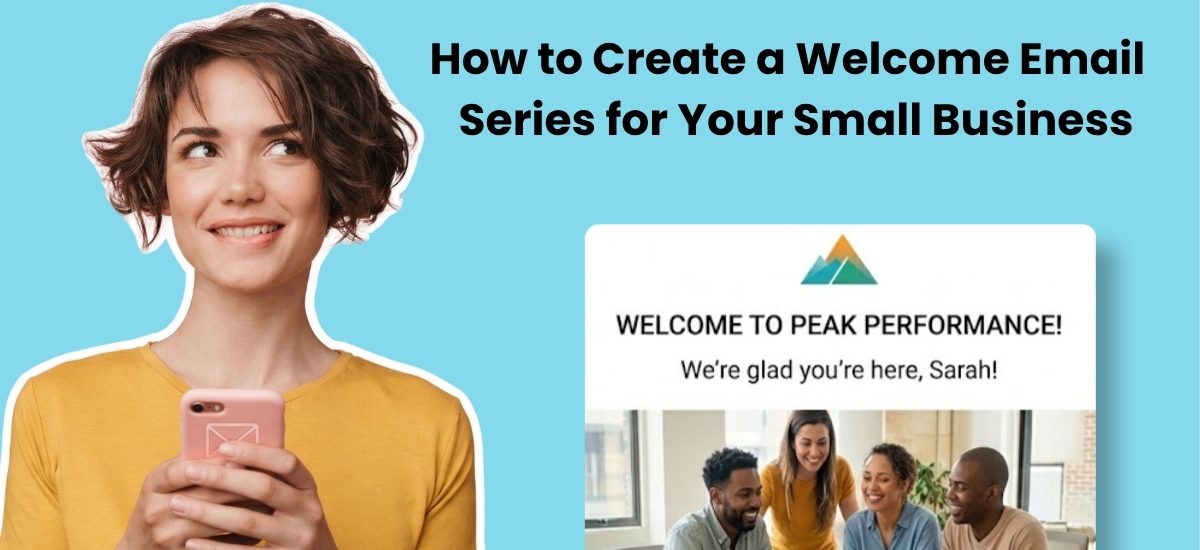
A welcome email is the first automated message a new subscriber receives after joining your email list. For small businesses, it’s the highest-ROI email you’ll ever send. Welcome emails generate nearly 4 times more opens and over 5 times more clicks than regular promotional emails.
IIt’s a big deal when someone signs up for your email list. You’ve put in a lot of work to attract this person and to build up enough trust with them that they’ll let you into their inbox.
But the work isn’t done once they’ve signed up. Now your job is to engage them — to build on the trust and interest you’ve established with them so they’ll become a long-term, enthusiastic subscriber.
All that starts with a welcome email.
What’s a welcome email?
A welcome email is an automated email message that is sent out to new subscribers as soon as they sign up for your email list.
Some email marketers don’t send a single welcome email — they send a series of them. These welcome series are sent out over time, usually one per day, and are typically a sequence of three to five emails.
Why send a welcome email?
Your subscribers will never be more interested in hearing from you than in the first few minutes after they sign up. That window closes fast. A welcome email is how you make the most of it.
Here’s why welcome emails matter:
Welcome emails get dramatically more opens than regular emails – nearly 400%. Plus over 500% more clicks.
To help your subscribers get to know you.
To give your new subscribers a message right when they sign up so they won’t have to wait until your next regularly-scheduled email.
To showcase the content you want new subscribers to see first.
To increase your subscribers’ engagement with your list long-term by starting off with a great experience.
What should a welcome email include?
A welcome email for a small business should cover five things: a genuine thank you, delivery of whatever you promised, a clear picture of what’s coming next, your contact information, and a brief introduction to who you are.
That tells you what to cover. Here’s guidance on what to actually say:
Thank them and deliver the goods first. Your opening line should acknowledge the signup and immediately deliver any lead magnet, discount, or resource you promised. Don’t bury it. If someone signed up for a free checklist, the link should be in the first two sentences.
Set expectations. Tell them what they’ll hear about, how often, and why it’s worth their time. One or two sentences is enough. This is the difference between a subscriber who opens your next email and one who forgets they signed up.
Introduce yourself briefly. Not a full bio. Just enough for them to know there’s a real person behind the emails. Who you are, what you do, and who you help. Save the deeper story for email two.
Make it easy to reach you. Include your contact information and ask them to add you to their contacts. This protects your deliverability and signals that you’re accessible, not just broadcasting.
AWeber customer Lewis Howes of The School of Greatness sends a very clear welcome message that covers all these points:
Pro tip: Notice the other section Lewis has added to this email? It’s in the postscript. He asks new subscribers to submit a question. This is a fantastic way to find out what topics your audience is interested in. It will also make you seem (and be!) more accessible and friendly.
What subject line should you use for a welcome email?
If you know how important subject lines are, and you know how important welcome emails are… you might be a little nervous about writing the subject lines for your welcome campaigns.
Have no fear. Here are five great welcome email subject lines to start with.
Welcome to [Your company name or your newsletter’s name]!
Welcome! Your [name of freebie/lead magnet] is waiting
You’re on the list. Here’s your discount code.
Welcome to [your company name], [subscriber’s first name]!
Welcome to [your company name]! Your free gift is inside!
Want more subject line ideas? Use the AWeber Subject Line Assistant — it analyzes your email content and generates five variations based on 25+ years of email marketing best practices, right inside the email builder.”
An example of a good first email that always gets a reply
The best first emails don’t feel like marketing. They feel like a message from someone who’s glad you showed up.
AWeber’s own welcome email for the free What to Write in Your Emails course is a good example. The subject line is direct: “You’re in! Here are your 45+ templates & course instructions.” No mystery. Just the thing the subscriber signed up for.
Inside, it delivers the guide link immediately, explains what’s coming next, and gives one clear next step. That’s it.
The reply-driving move: ask one simple question. “What’s the biggest challenge you’re facing with your emails right now?” does three things: it starts a real conversation, tells you what your audience needs, and signals to inbox providers that people want your emails.
Want to see it in action? Sign up at aweber.com/whattowrite and you’ll experience the full sequence as a subscriber.
Types of welcome emails with examples
Your welcome email message should provide everything your new subscribers need to start learning about your business. But depending on your business model and your email marketing strategy, what they need to know may be different.
Here are a few different types of welcome emails and a few welcome email examples:
Contest entry
If you’re collecting subscribers through a contest you’re promoting, your welcome email should explain the terms of the content and what new subscribers can expect next.
Pro tip: Remind your new subscribers that they’re on your list now because they entered your contest. Bootprints sends all contest participants this welcome email to give people a heads up that they’ve entered and that they’ve signed up for the email list.
Incentive
When you should use it: If you offer an incentive on your sign up form in exchange for email addresses.
Pro tip: Always deliver your subscribers’ coupon in that first welcome message – don’t make them wait! Bullymake delivers on its opt-in promise right away.
Log in to get started
If you have an app or website with a trial offer or membership
Pro-tip: Make it easy for people to get started by linking directly to the place where they can log in.
Steps to getting started
Do you have existing content, upcoming events or other special offers you want new subscribers to know about upfront? Then this type of welcome email is for you.
Pro-tip: Don’t overload people with information. Give them two or three resources to get started, but save some content for the rest of your welcome campaign.
This welcome email example from Litmus covers all those bases:
Get to know you better
This is a great option to help you make a more personal connection with your subscribers.
Pro-tip: Not everyone will have a hard-hitting story like Trisha from Go Eat Your Beets in the example below, but that doesn’t mean you can’t include a few tidbits about yourself to show that there’s a real human being behind those emails.
How many welcome emails should I send?
Most small businesses should send a series of three to five emails over the first week. A single welcome email leaves most of the relationship-building work undone. A series gives you time to deliver value, tell your story, and introduce your offer without cramming everything into one message.
Here’s a simple outline you can use to structure each email:
Email 1 Timing: Sent immediately after signing up Goal: Deliver your freebie or lead magnet and any special offers. Explain what to expect from your emails, including how frequently you’ll send them.
Email 2 Timing: Sent 24 hours after signing up Goal: Explain the “why” of your company and your mission statement. Invite subscribers to follow you on different social media platforms.
Email 3 Timing: Sent 48 hours after signing up Goal: Include a few customer testimonials and links to your all-time best-performing content, or the content you’d most want new subscribers to see.
For example, Wine Awesomeness sends this email about screw caps versus corks — a hotly debated topic among wine aficionados and newbies alike.
When should you send a welcome email?
Immediately. Email 1 should go out the moment someone hits submit on your signup form. Your new subscriber’s interest peaks right then. Not an hour later. Not the next morning. Right away. That’s when they’re most engaged, most curious, and most likely to open.
The welcome email sequence that works for small businesses
For small businesses specifically, a framework that consistently drives results goes beyond the standard three-email structure. It follows a value-value-story-offer pattern.
The idea is simple. Your first two or three emails give your new subscriber something genuinely useful: a resource, a tip, a piece of your best content. No asks. Just value.
Then comes a story email. This is where you share something personal about your business, your customers, or your own journey. Story motivates in a way that information alone doesn’t.
The final email is a soft offer. Not a hard sell. Just a clear, natural introduction to what you do and how you can help. “Here’s what I offer and who it’s for” is enough at this stage. The trust built in the earlier emails does the heavy lifting.
AWeber covers this sequence in depth in the email marketing automation guide for small businesses.
AWeber also offers a prebuilt welcome series automation you can set up in minutes, without writing code or building the workflow from scratch. It’s a good starting point you can customize to fit your business.
Welcome emails, confirmation emails, and thank you pages
Now that you know what to write and how to structure your welcome series, it helps to understand where welcome emails fit in the bigger picture of your subscriber onboarding.
Let’s step back from welcome emails for a moment and talk about how they fit into the overall experience you’re creating to welcome new subscribers. This involves welcome emails – yes. But it also includes the thank you page you show subscribers after they’ve signed up and a confirmation email message if you’re using double opt-in.
Just to be clear: Welcome emails are not confirmation emails. Both types of emails are sent right after subscribers sign up, but a confirmation email is used to confirm that someone wants to be on your list.
Confirmation emails are part of a process called “double opt-in,” where people have to sign up and then confirm again that they want to sign up. Double opt-in does require an extra step, but it’s worth it. It generally results in higher engagement rates later on.
Here’s a flow chart that shows how welcome emails and confirmation emails differ, and how they can work together.
We’re focused on email messages in this post, but there is another important element of your welcome sequence: The thank you page.
As the graphic above shows, thank you pages are shown right after someone signs up for your list. After a subscriber clicks “submit,” they can be redirected to a page that thanks them for signing up. That’s a thank you page.
Some of the smartest email marketers make great use of their thank you pages. They don’t just show a nearly blank page and say “thanks for signing up. They don’t use a default message from their email service provider. They’ll give their new subscriber a full multi-media experience, complete with a welcome video, like this thank you page from AWeber customer Tim Ferriss:
Ferriss’s welcome video is just 53 seconds long, but it’s the perfect introduction to the newsletter for new subscribers. It explains why he created his newsletter, what it includes, and what subscribers can expect from their experience.
What happens after the welcome campaign
The fun doesn’t have to stop at the end of your welcome campaign. Thanks to your well-crafted messages, your subscribers now know a lot more about you. They might be ready to purchase a product from you or to be added to your newsletter list. It’s up to you what happens next.
Keep reading:
Email Marketing for Small Businesses: The Complete 2026 Guide
Email Marketing Automation for Small Businesses
What Are the Best Email Marketing Strategies for Small Businesses?
How to Build an Email List for Your Small Business
The post How to Create a Welcome Email Series for Your Small Business appeared first on AWeber.